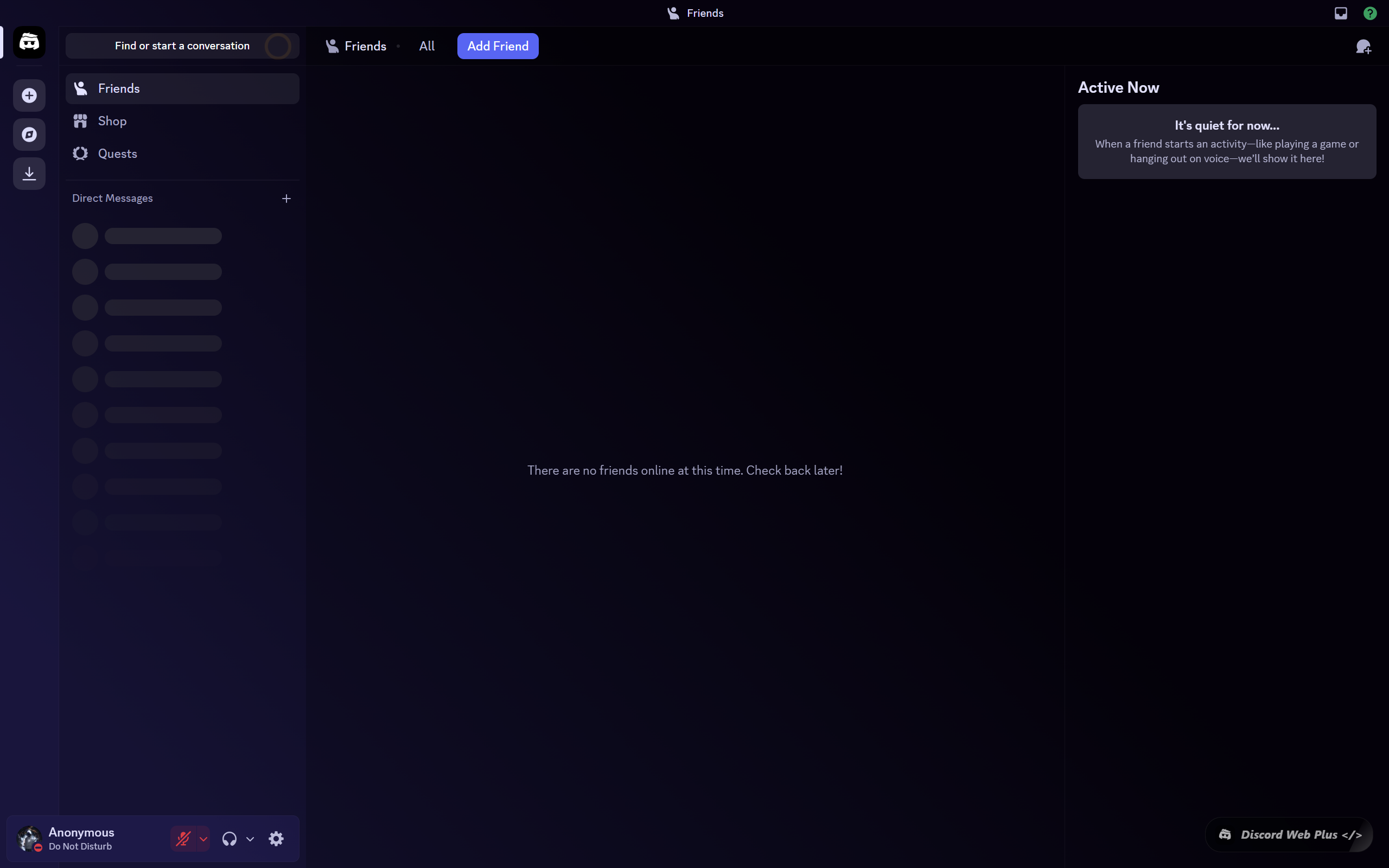
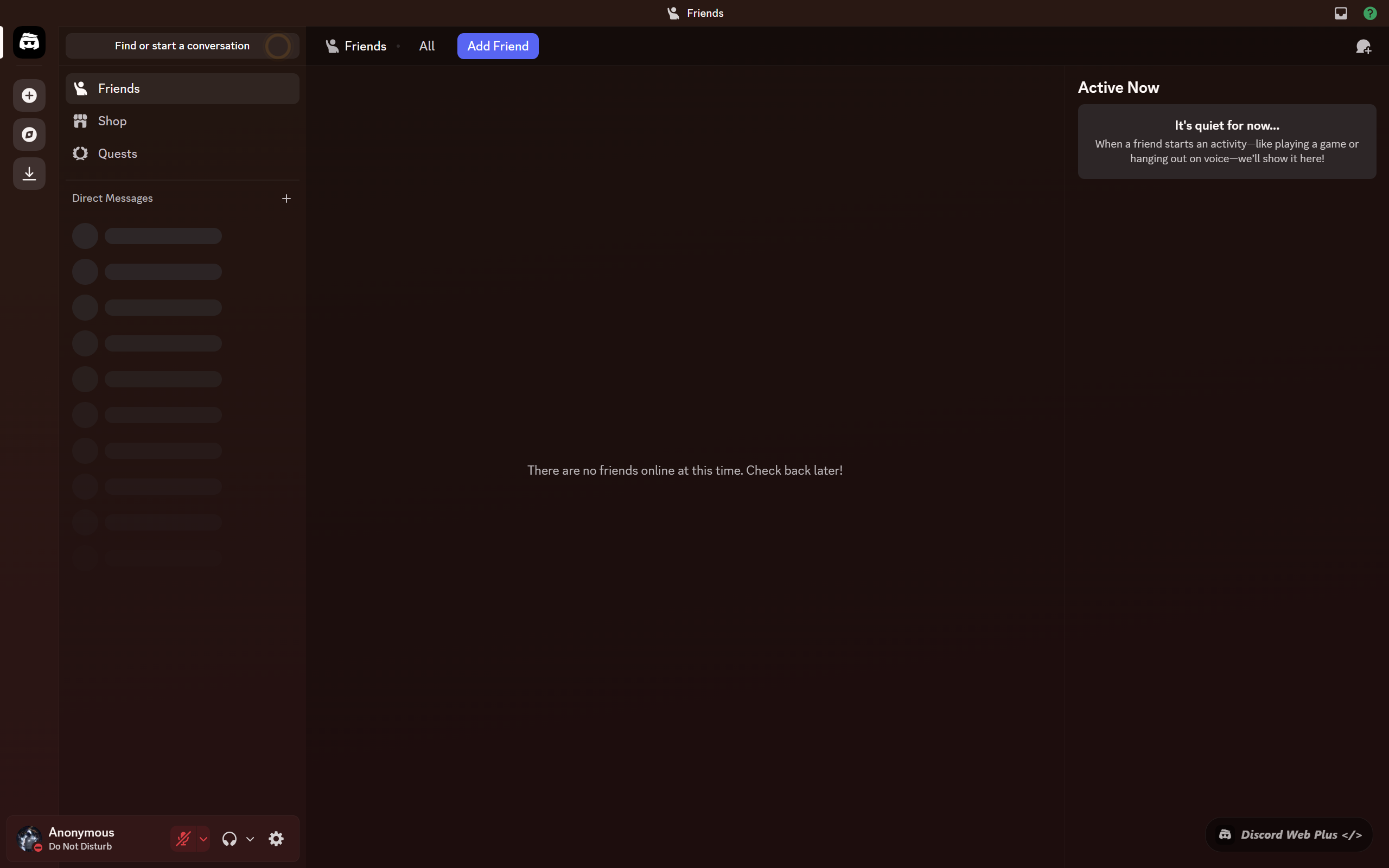
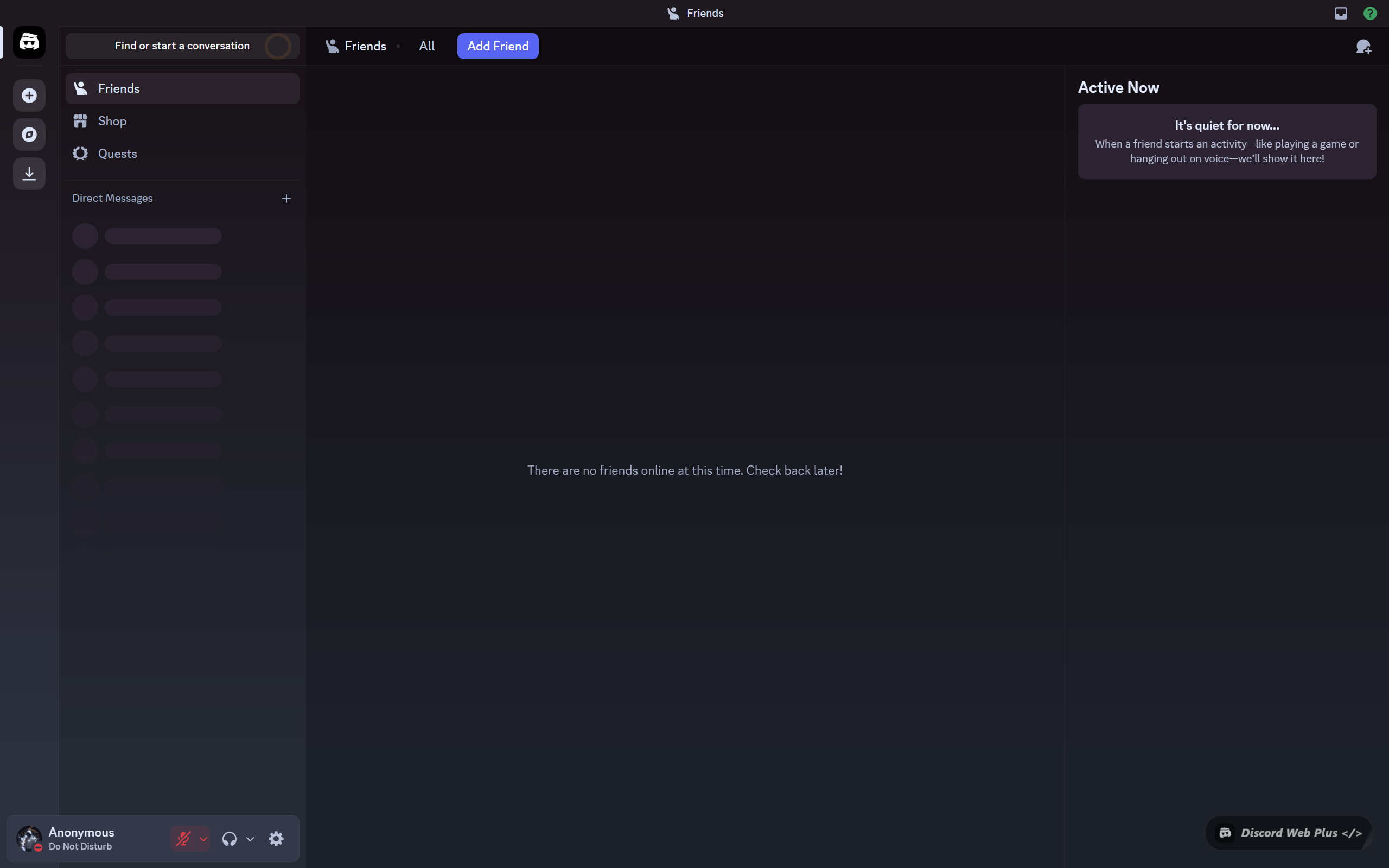
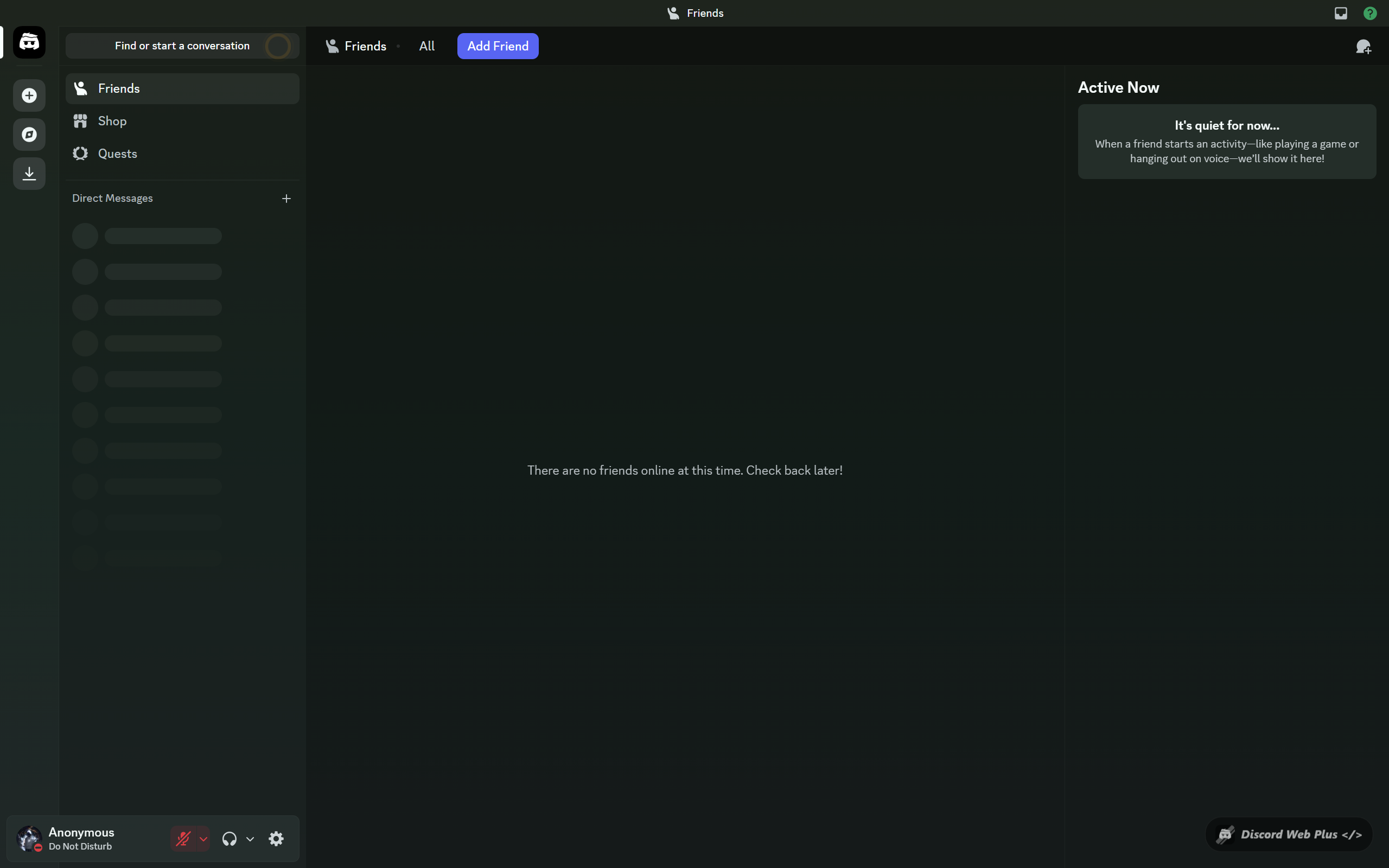
Chrome Extension · Free

Your Discord,
Reimagined.

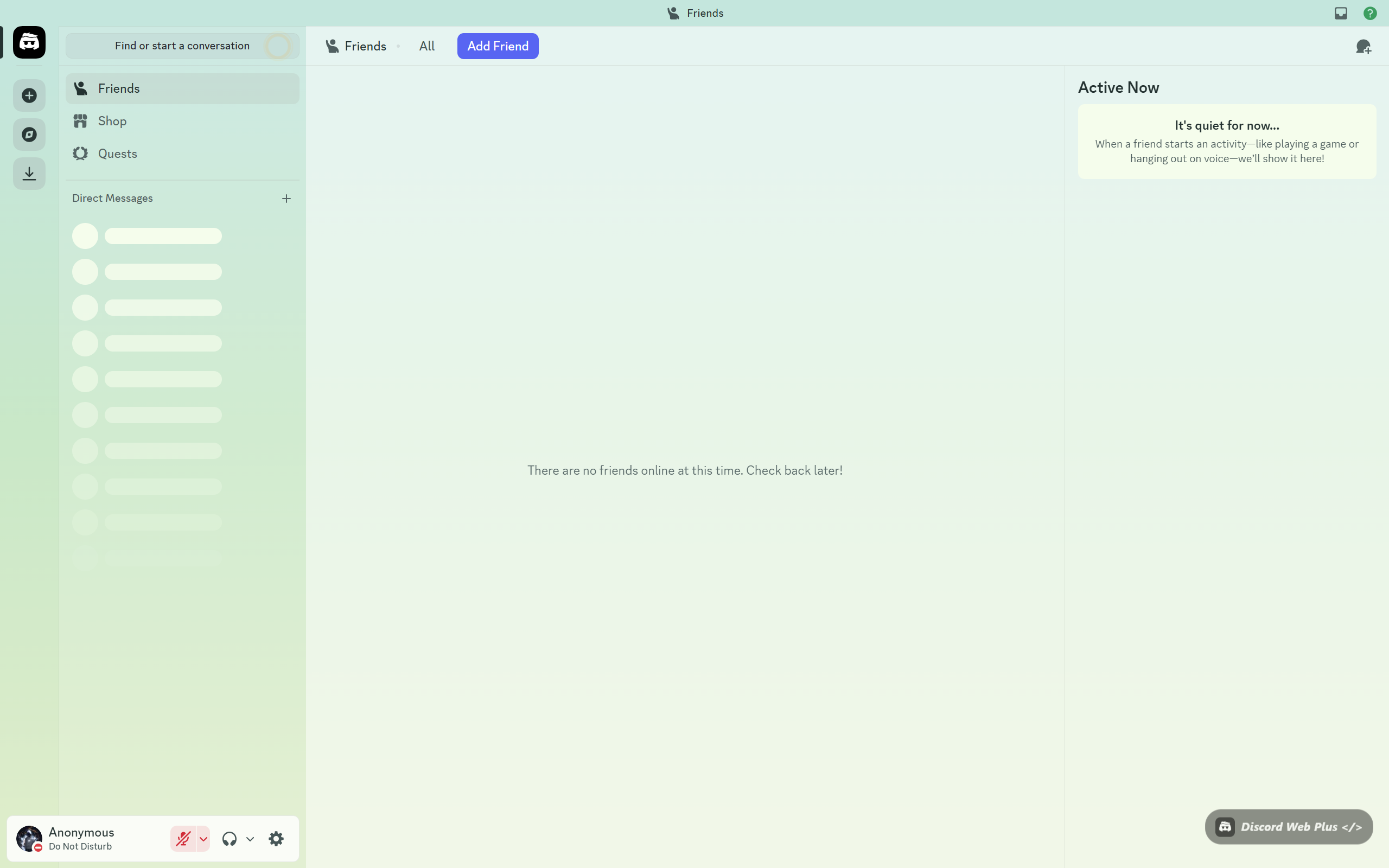
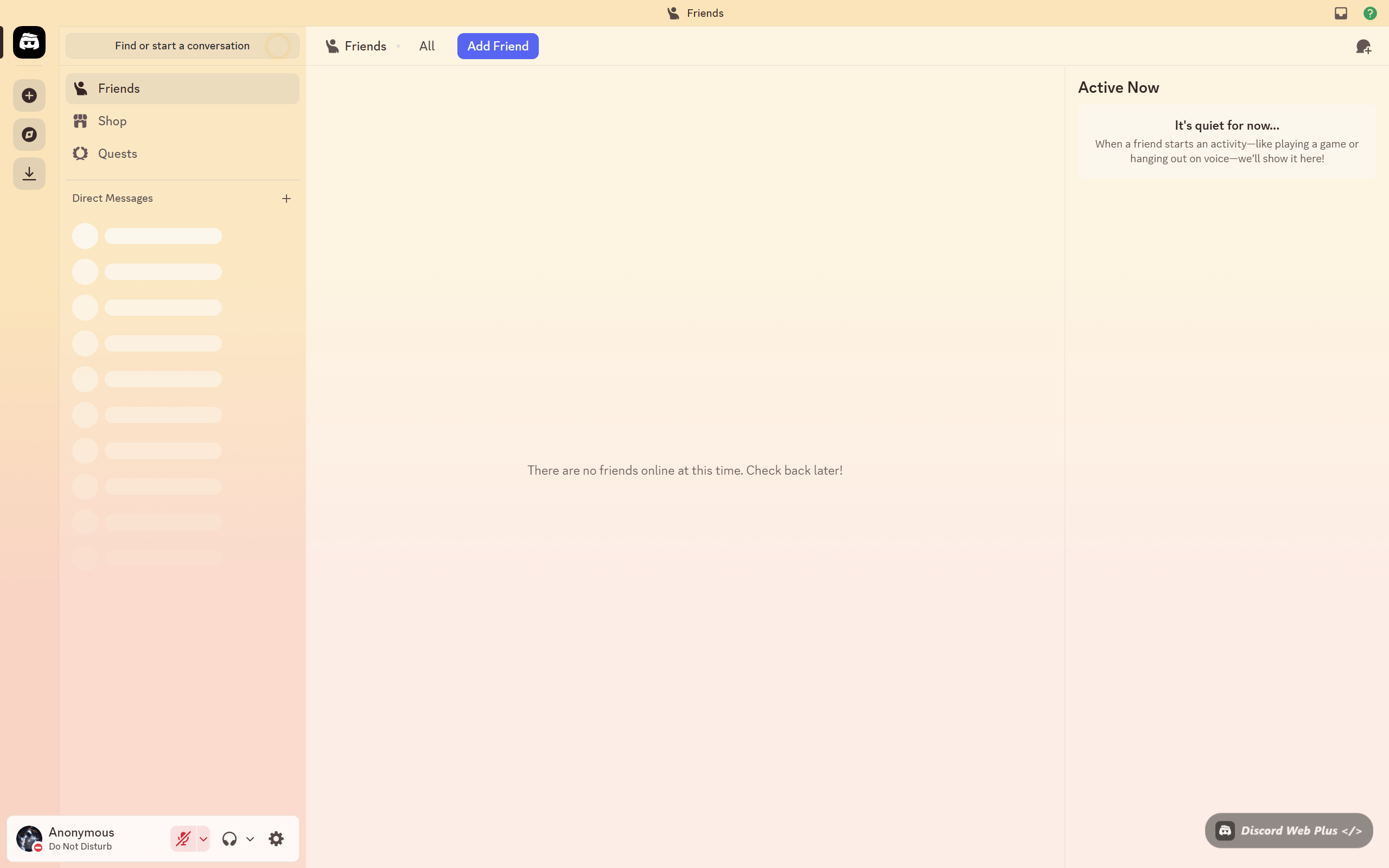
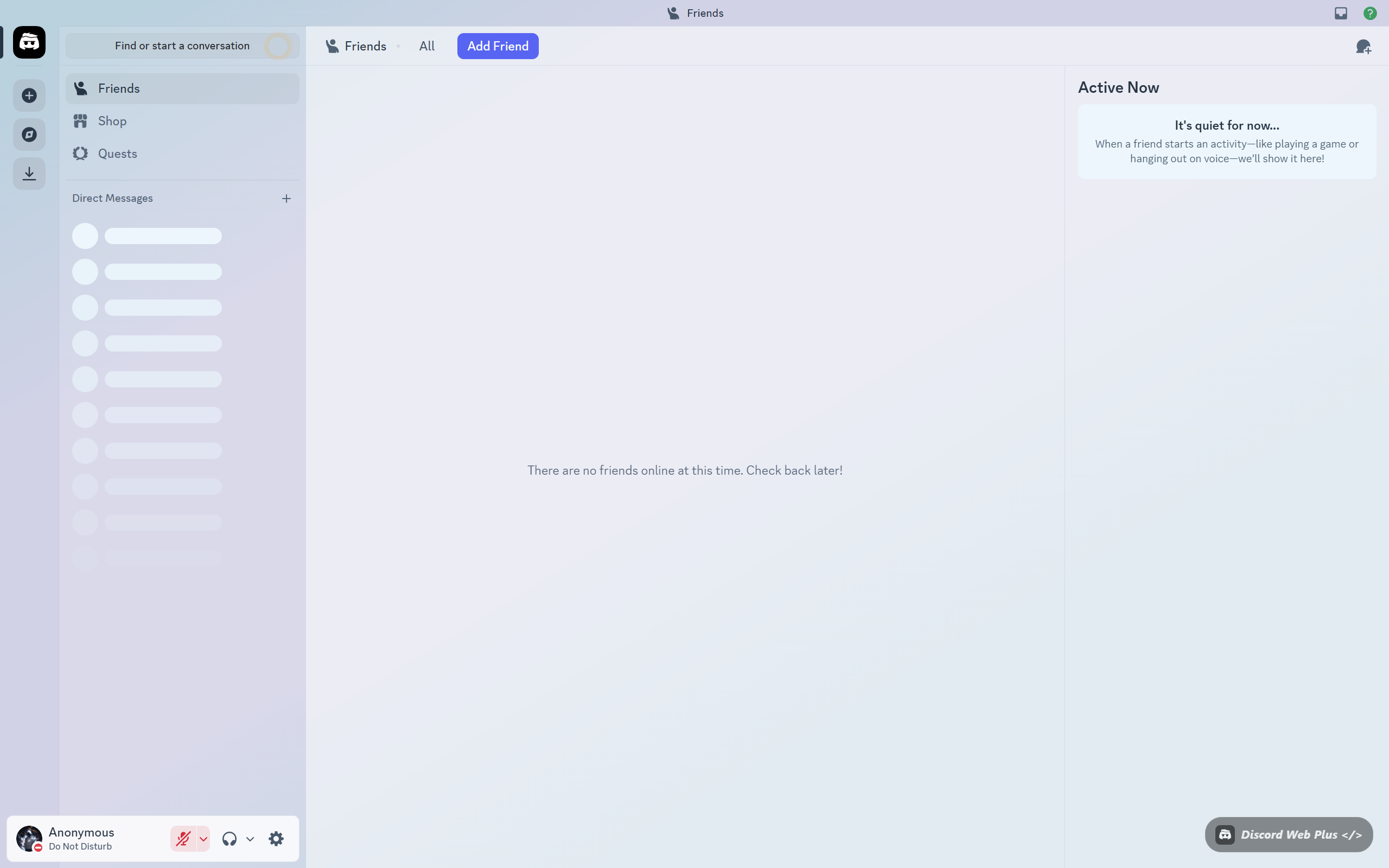
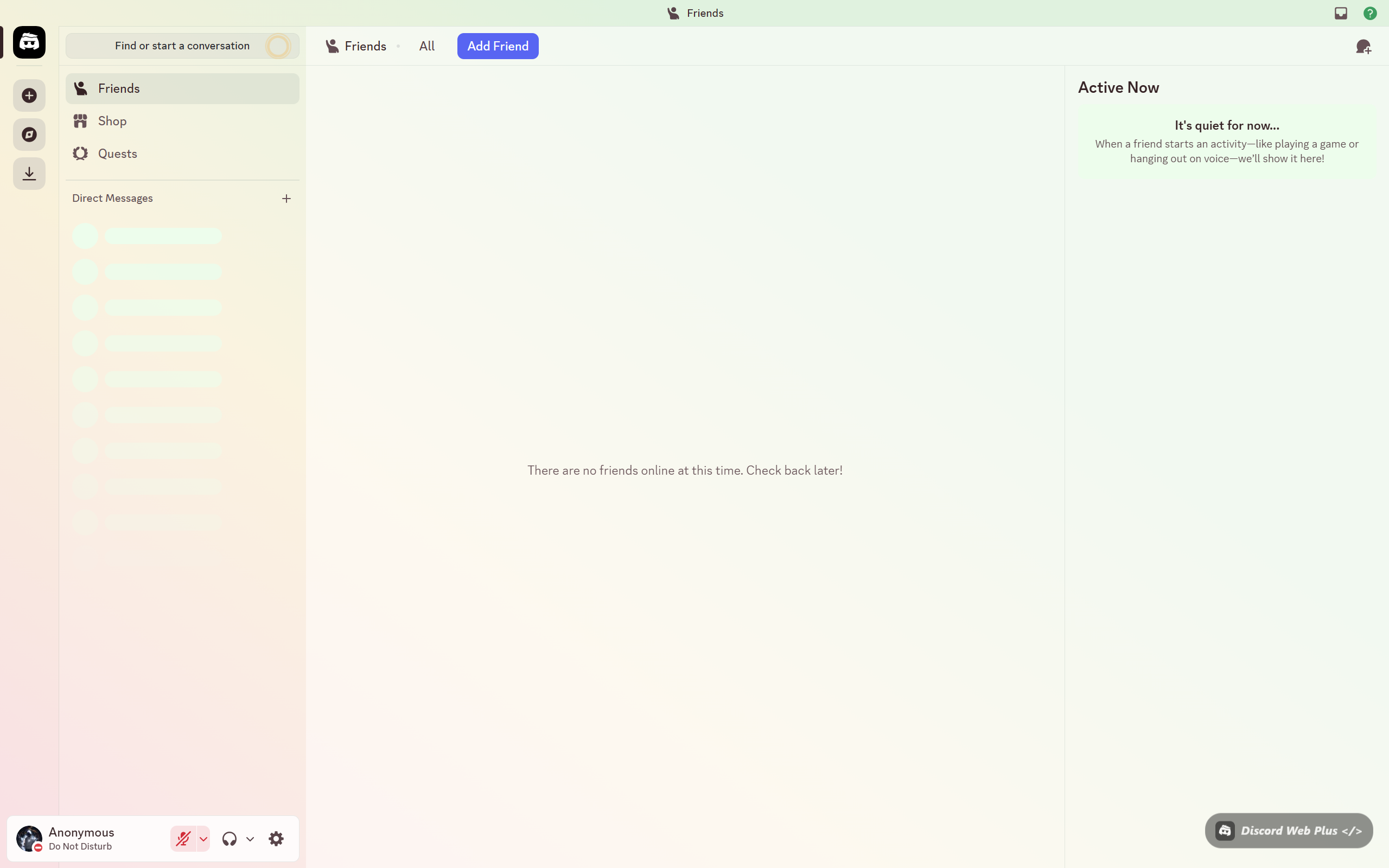
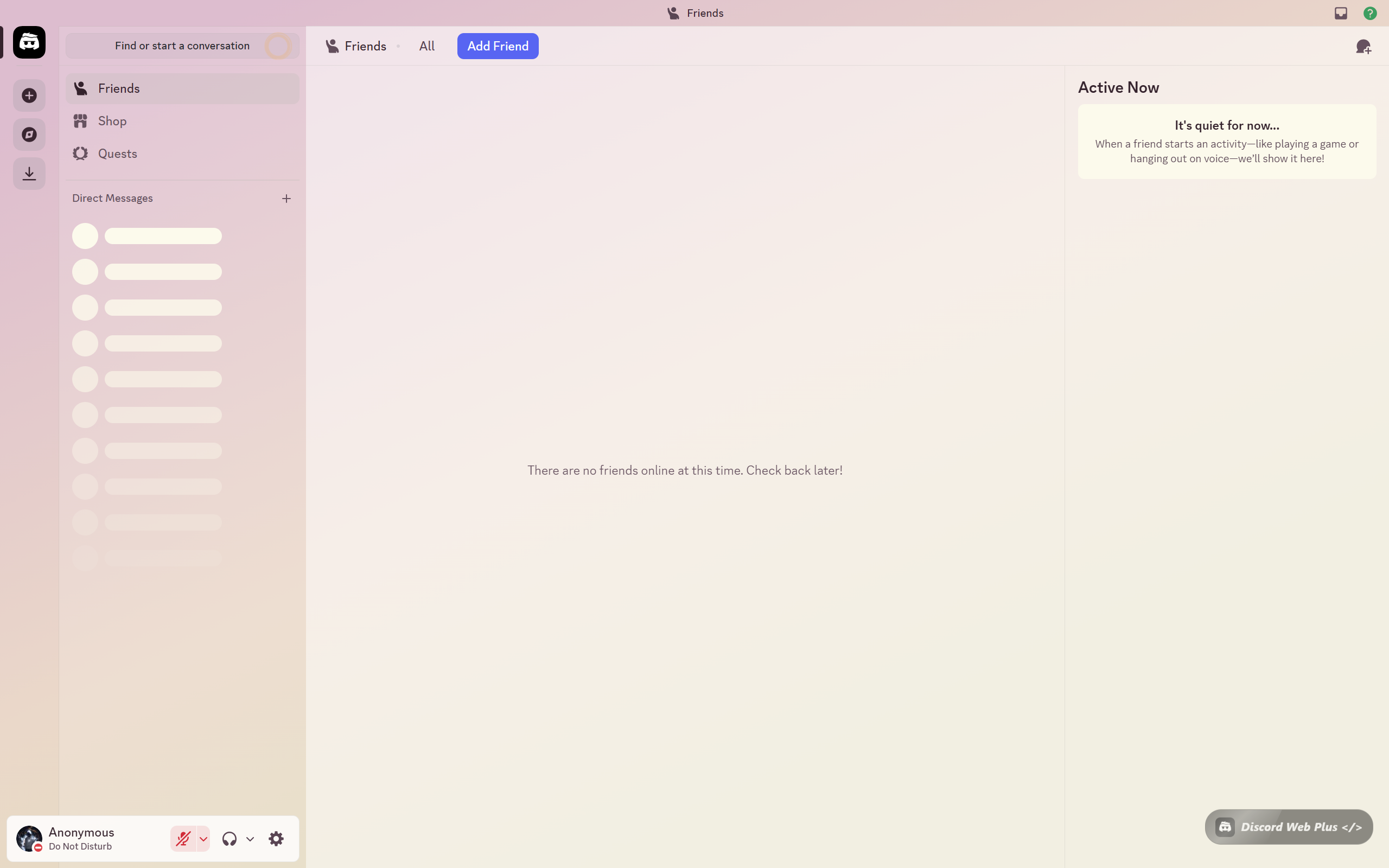
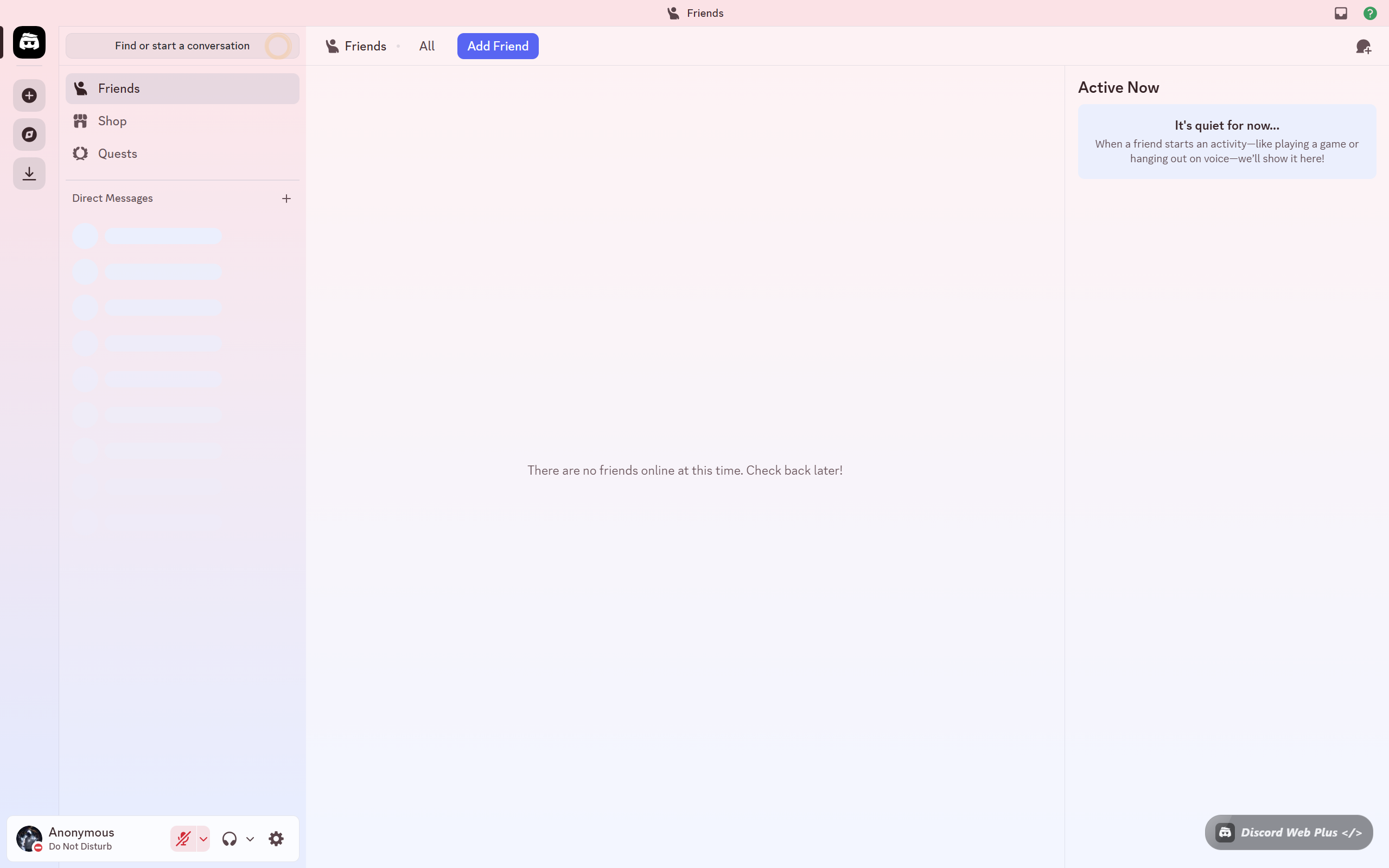
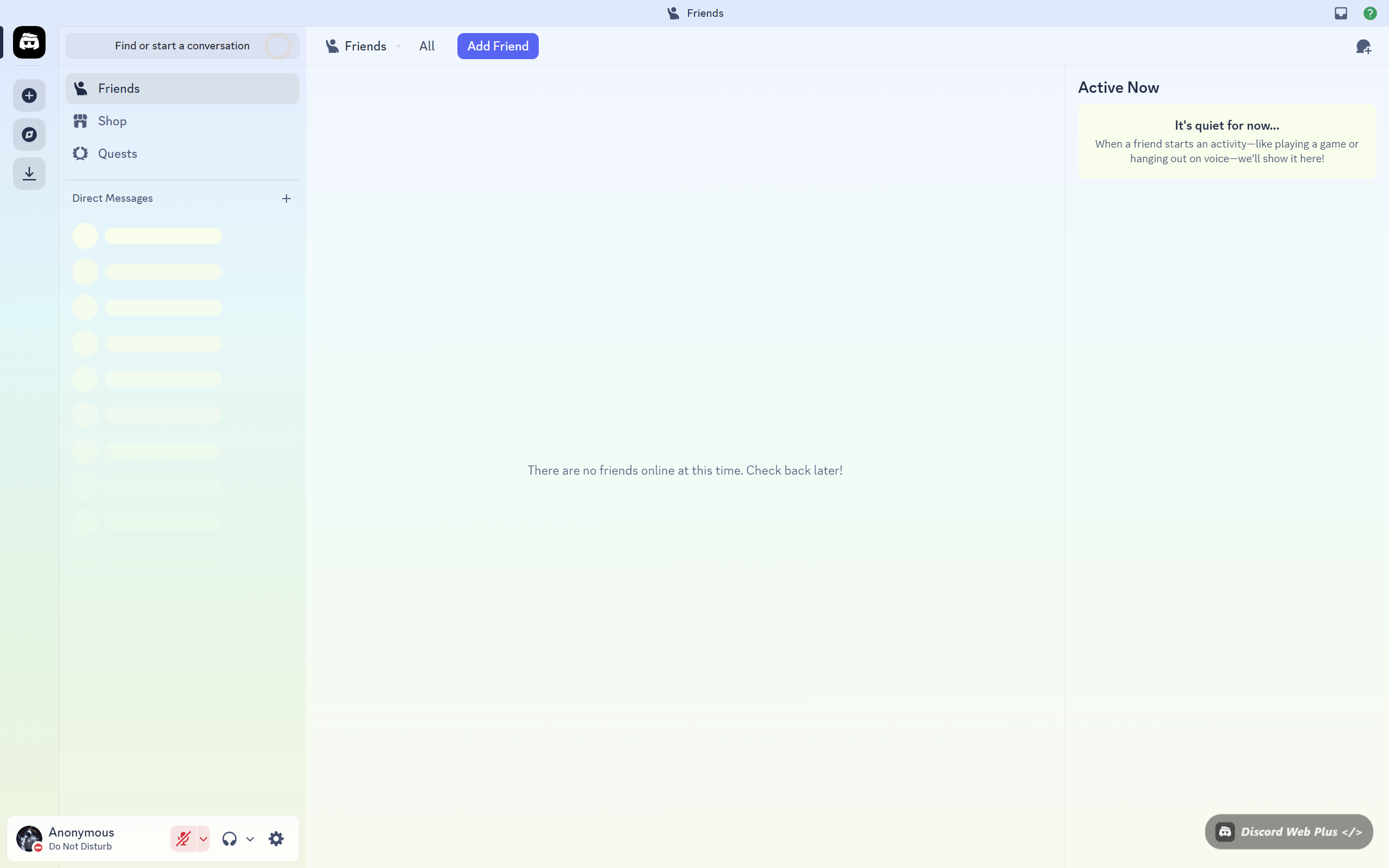
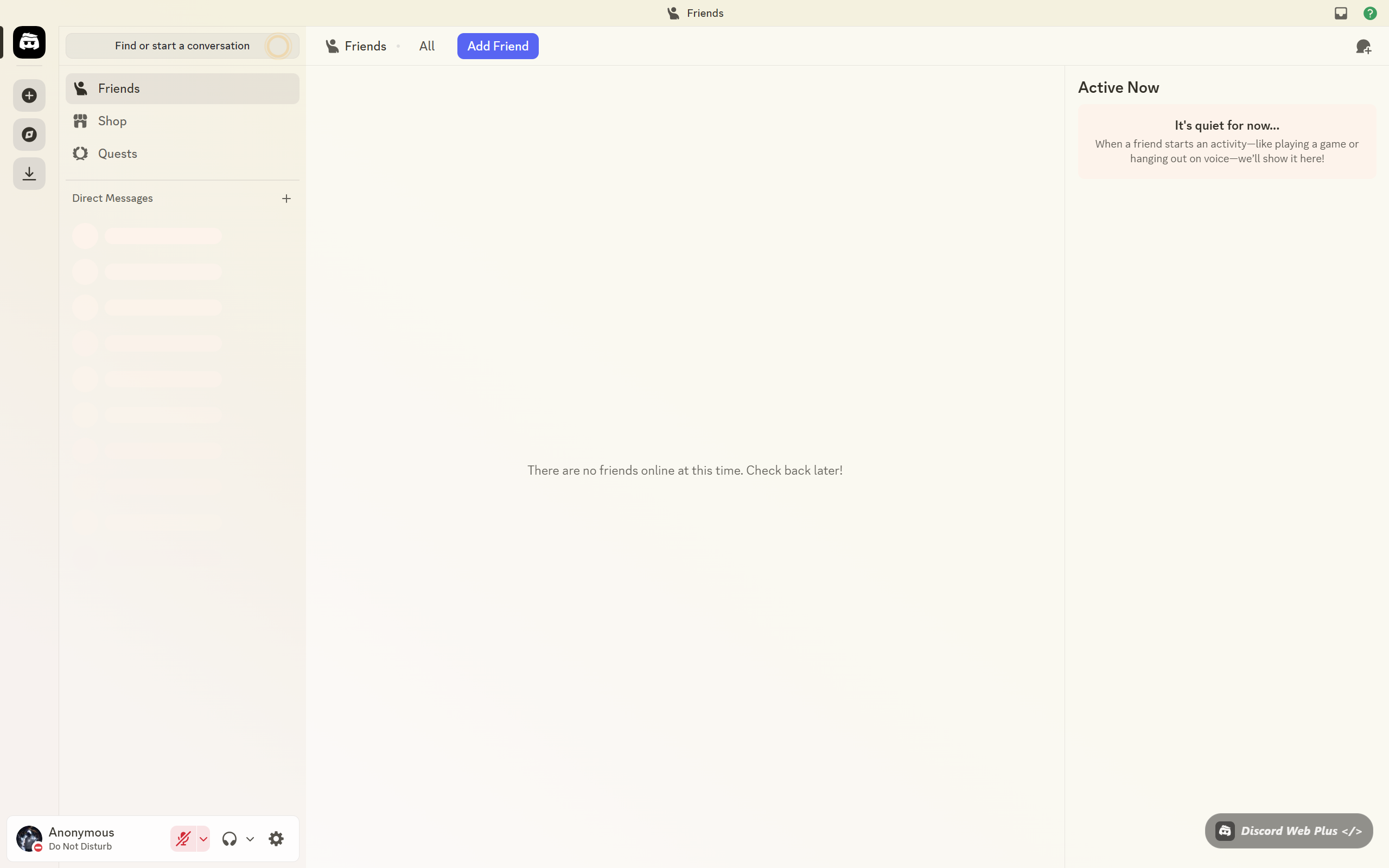
Discord Web Plus gives you complete control over how Discord looks — Nitro-exclusive themes, custom glassmorphism panels, icon packs, and advanced UI controls. No Nitro required.
Add to Chrome — Free See what it does ↓
0 Nitro Themes
0 Icon Packs
0 Private
Custom Themes
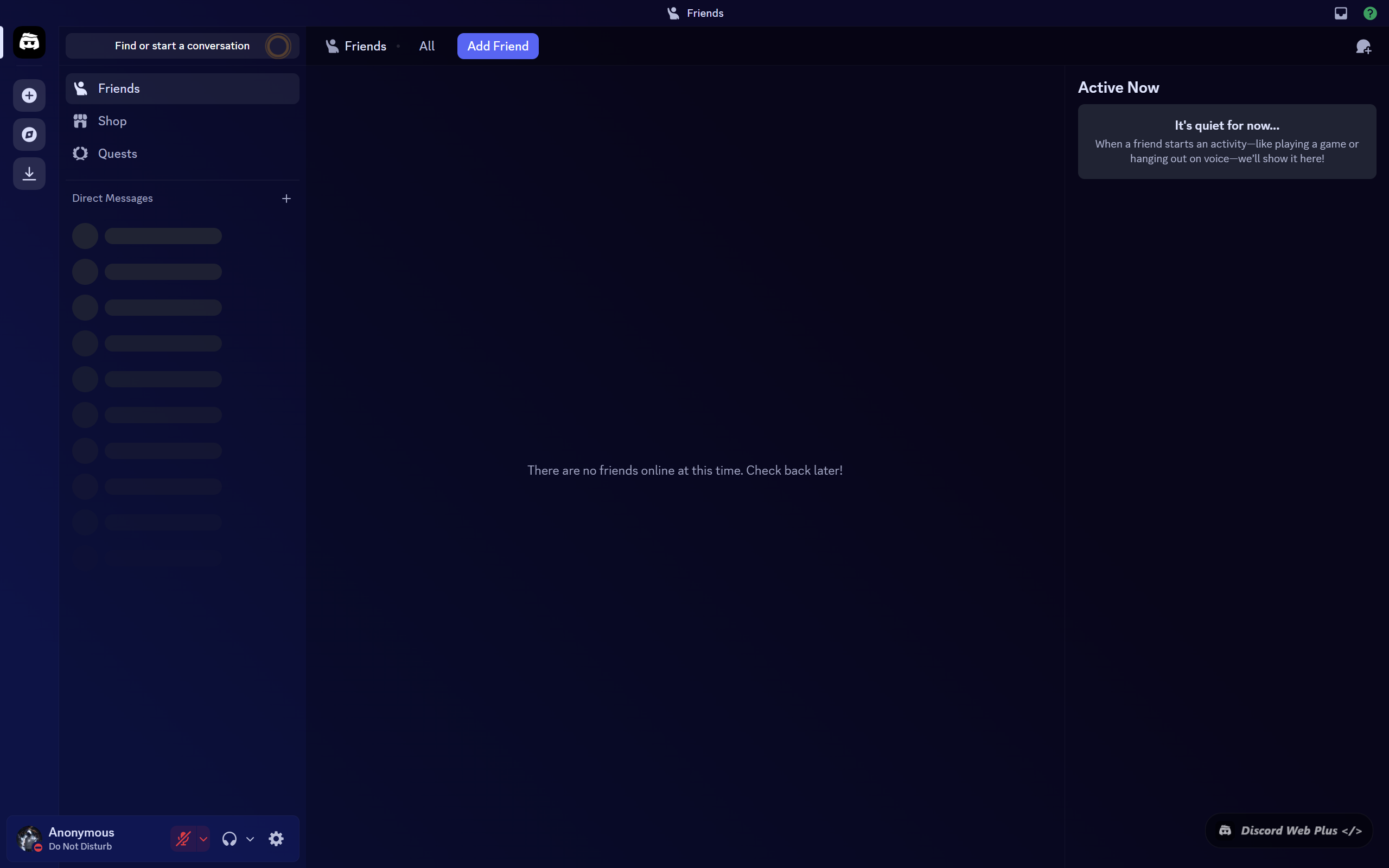
Discord Web Plus — Live preview

discord.com/channels/@me
🌿
+
x1337 HQ
Text Channels
# general
# themes
# showcase
# support
Voice
🔊 Lounge
# general
Jarvis
Jarvis DEV
Just shipped Discord Web Plus v2 — glassmorphism panels are insane 🔥
N
Nova
The Nitro theme presets are so clean 😭 no more paying for Nitro
K
Kai
Transparency slider is 🤌 — my discord looks like a glassmorphism UI
DC Web Plus – Themes
🔮 Midnight Blurple
Soft blurple night
🌸 Hanami
Cherry blossom soft pink
🌊 Under the Sea
Deep ocean blue
🍃 Forest Dark
Deep woodland green
Panel Controls
Opacity
Blur
What's inside

Everything you need to
customize Discord Web

Discord Web Plus packs every customization tool into one clean extension — no Nitro, no paywalls.

🎨
Nitro Theme Presets
Access 15+ Nitro-exclusive theme presets that normally require a paid Discord Nitro subscription. Apply them instantly with one click.
✦ Nitro-free
🪟
Glassmorphism UI
Transform Discord's interface with a stunning glassmorphism aesthetic — blurred panels, frosted backgrounds, and translucent sidebar elements.
Advanced
🎛️
Panel Transparency Control
Independently control the transparency and blur intensity of Discord's sidebar, channels panel, and message area with precision sliders.
🖌️
Custom Theme Builder
Build your own Discord theme from scratch. Set custom accent colors, background images, border styles, and typography sizes to match your vibe.
Custom
🗂️
Icon Packs
Replace Discord's default icons with carefully crafted icon packs. Choose from multiple styles — minimal, rounded, outlined, and more.
🖼️
Custom Backgrounds
Set any image as your Discord background — local files or URLs. Pair it with transparency settings for a truly personalized experience.
See it in action

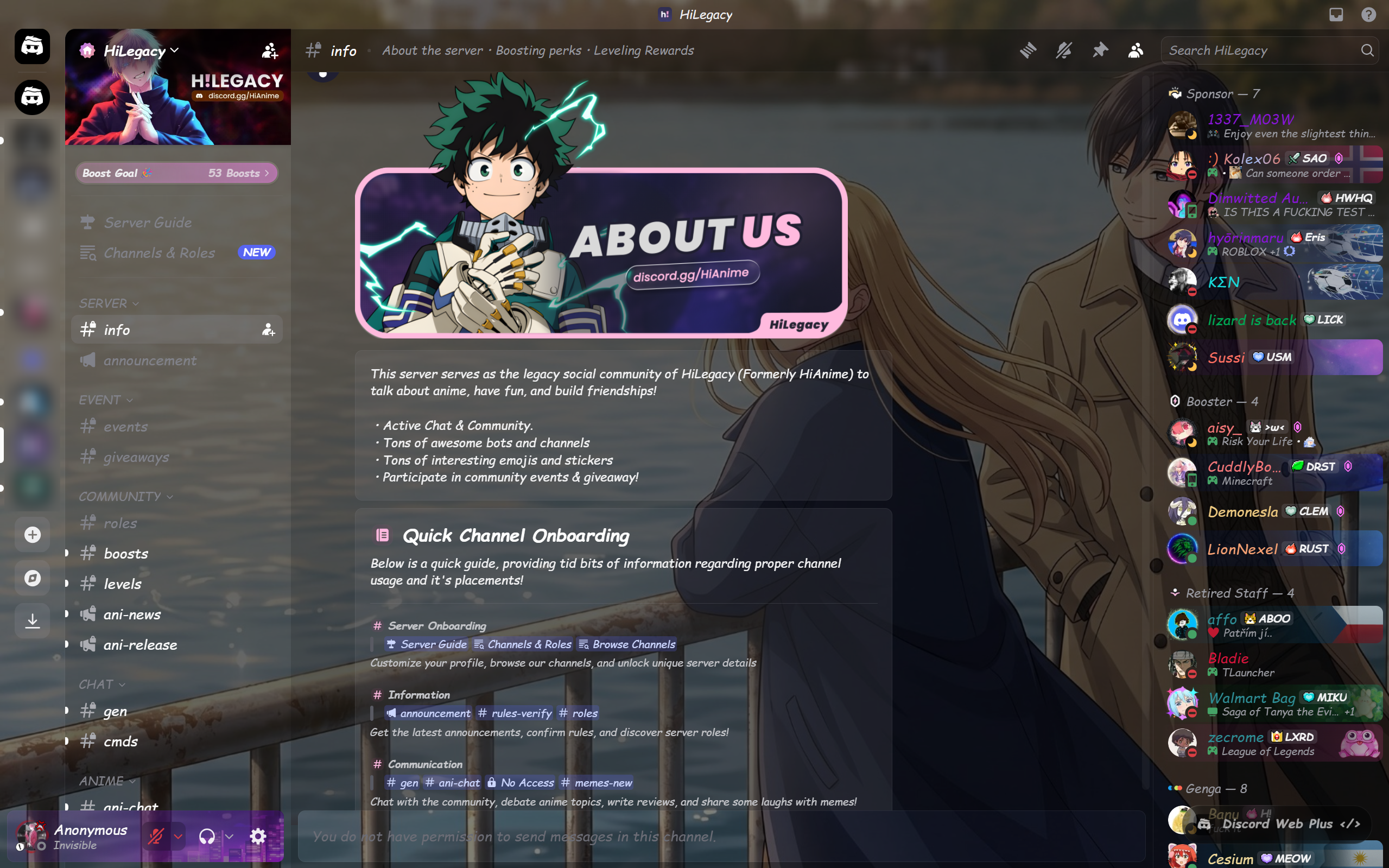
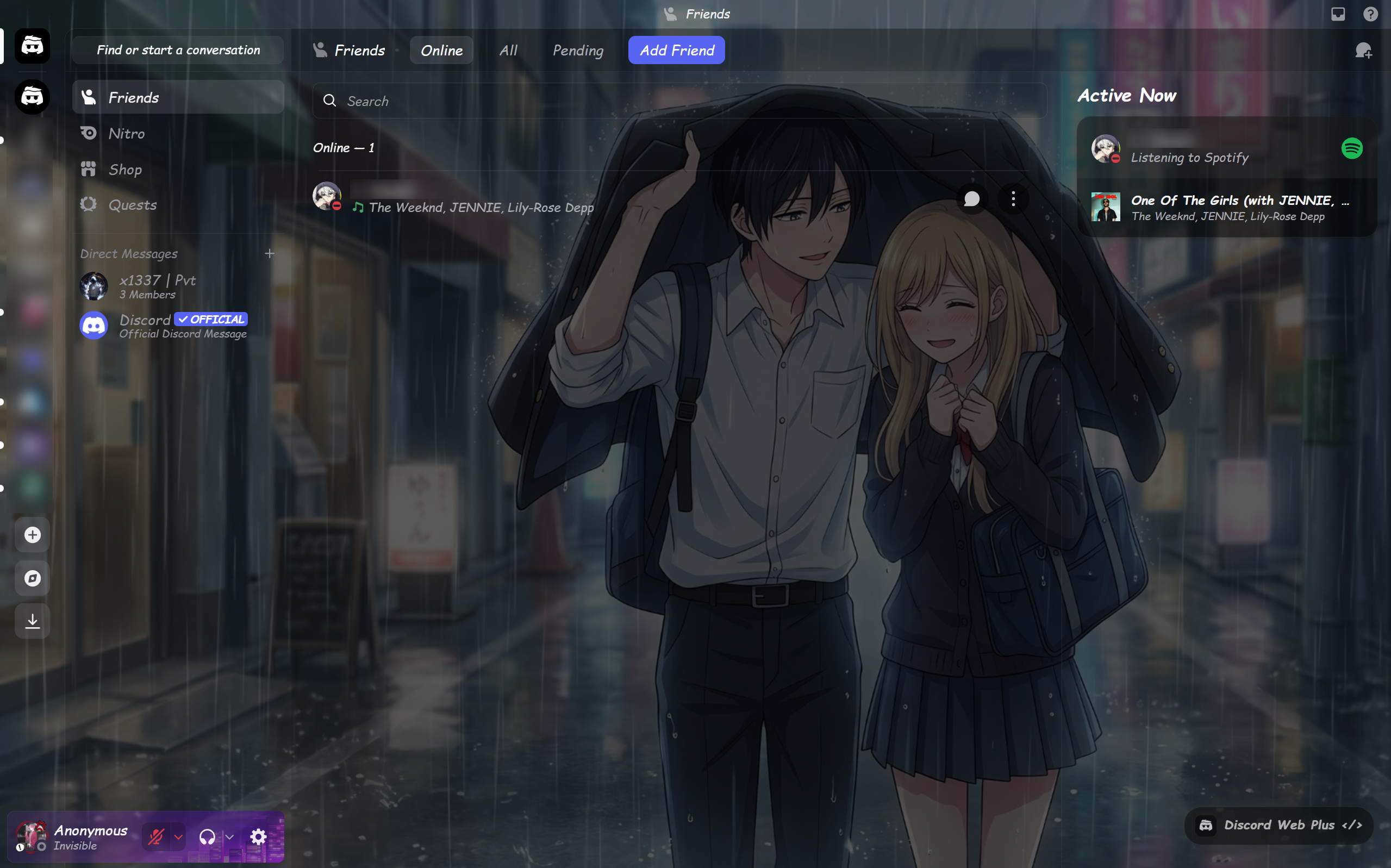
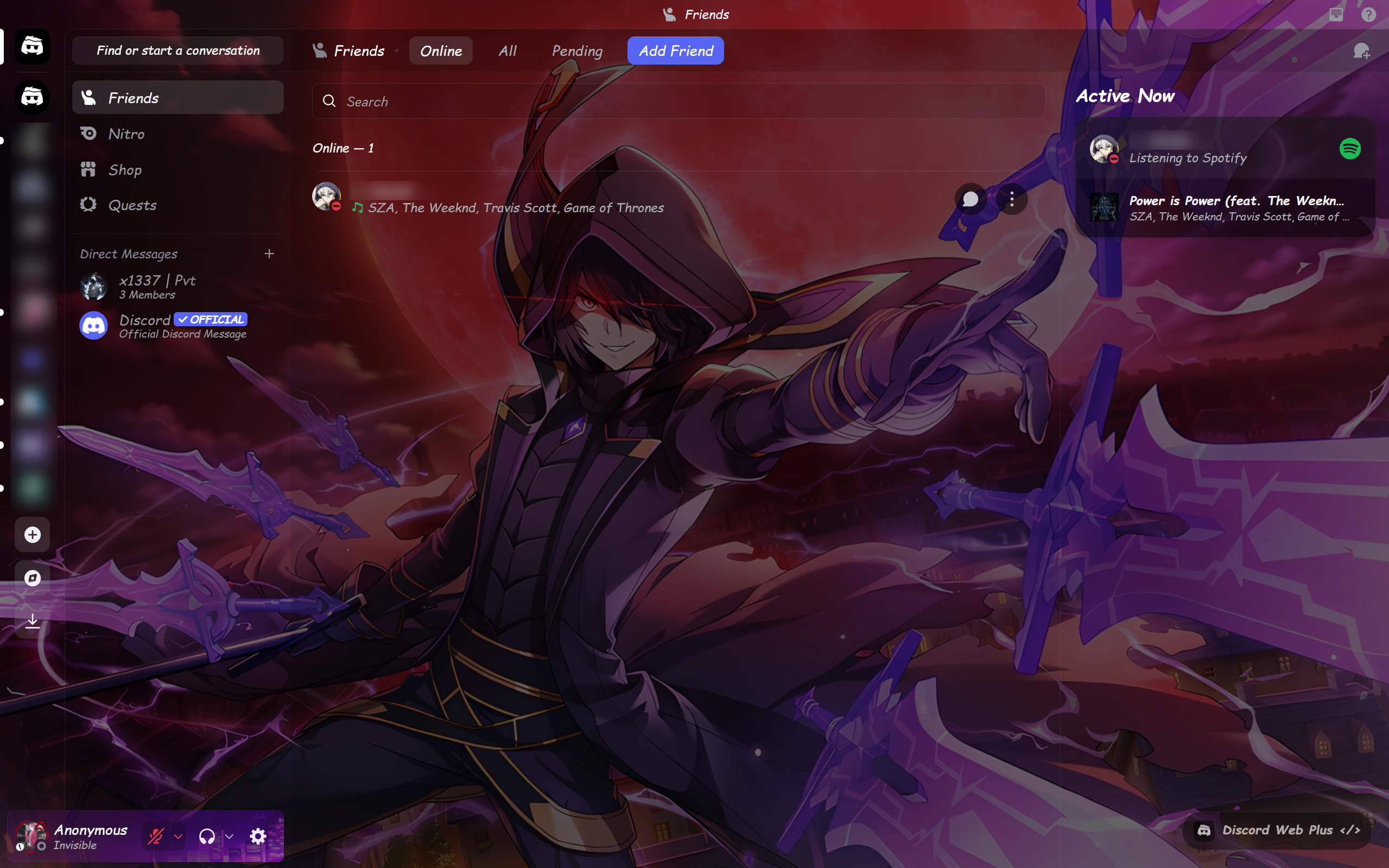
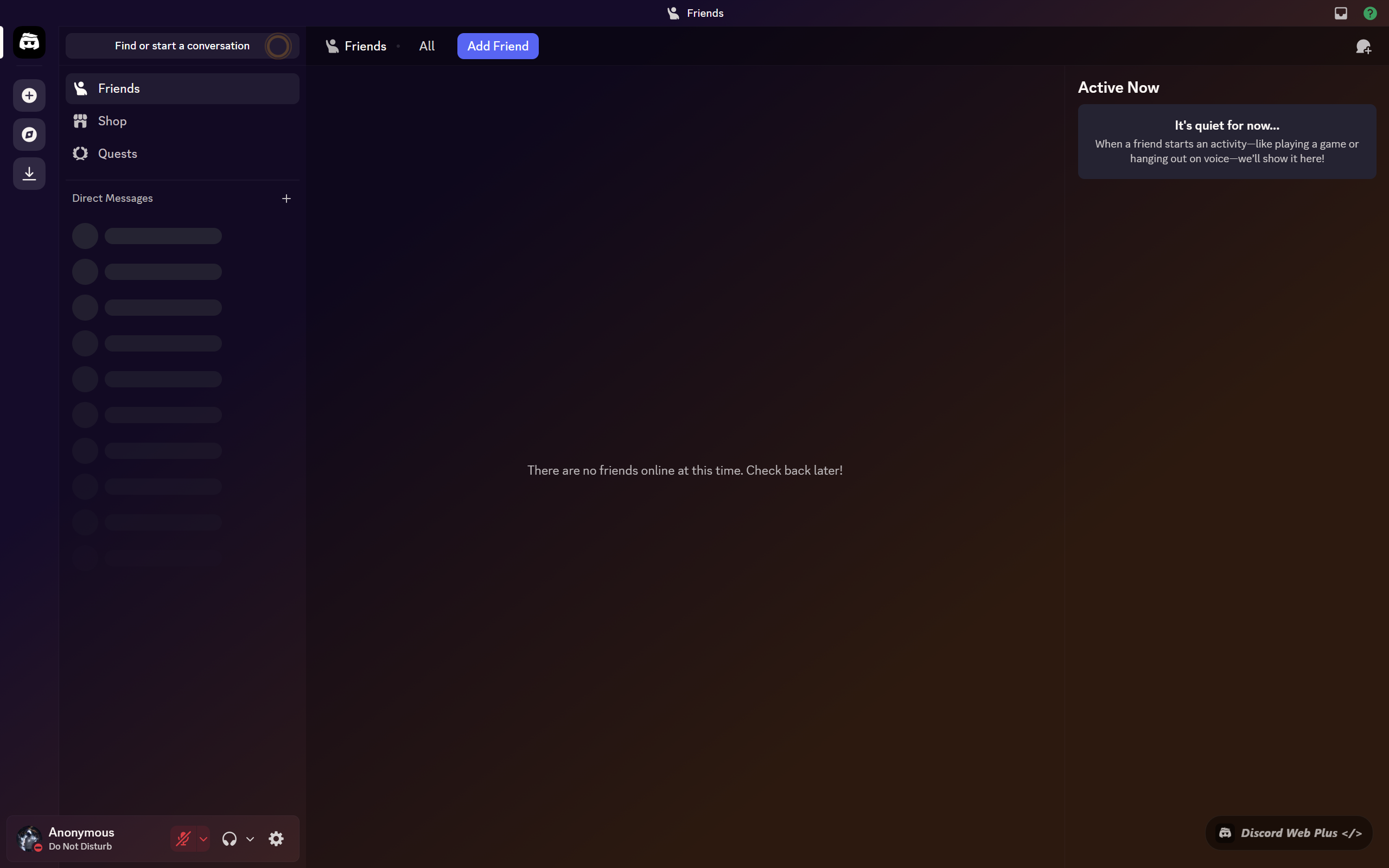
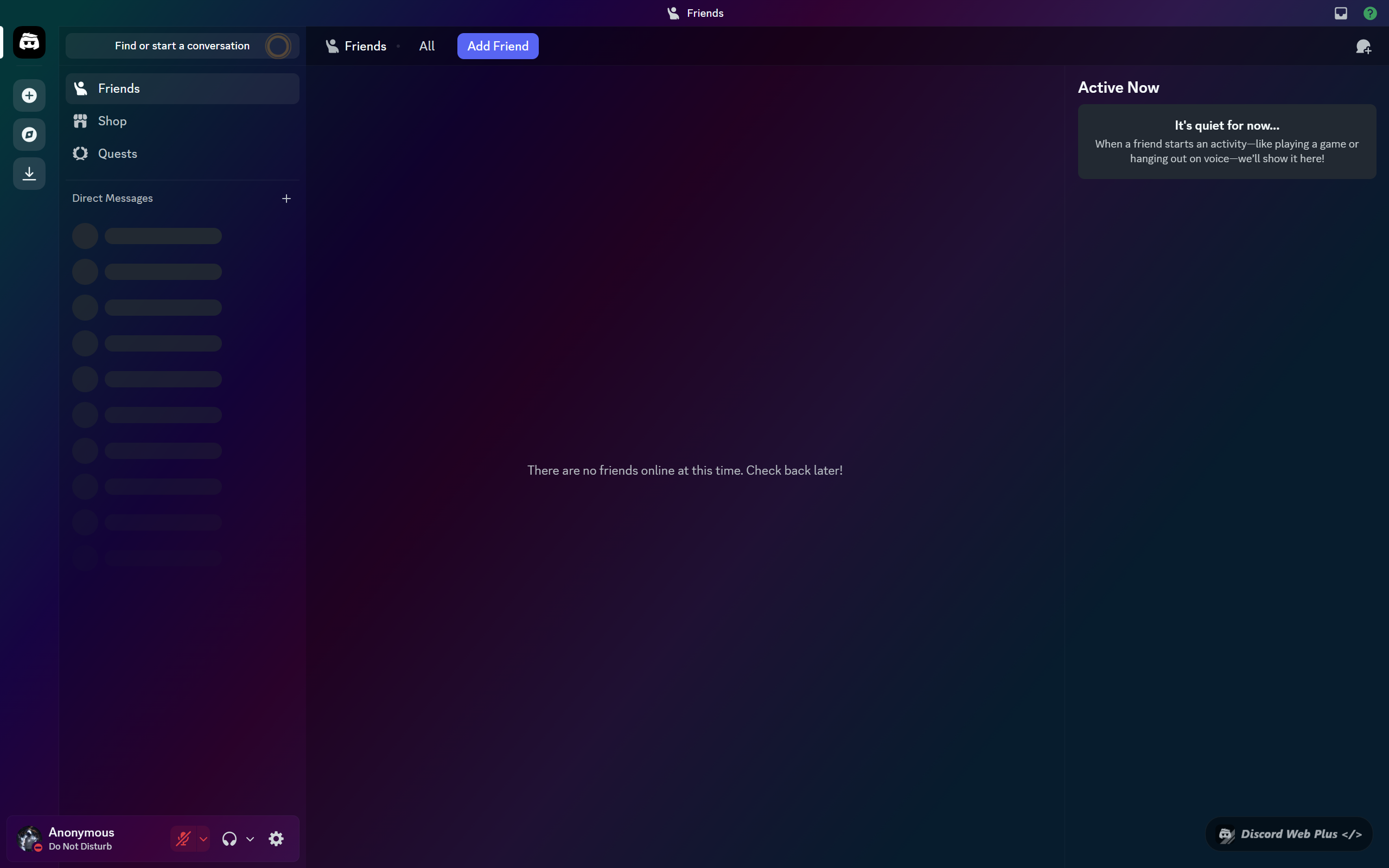
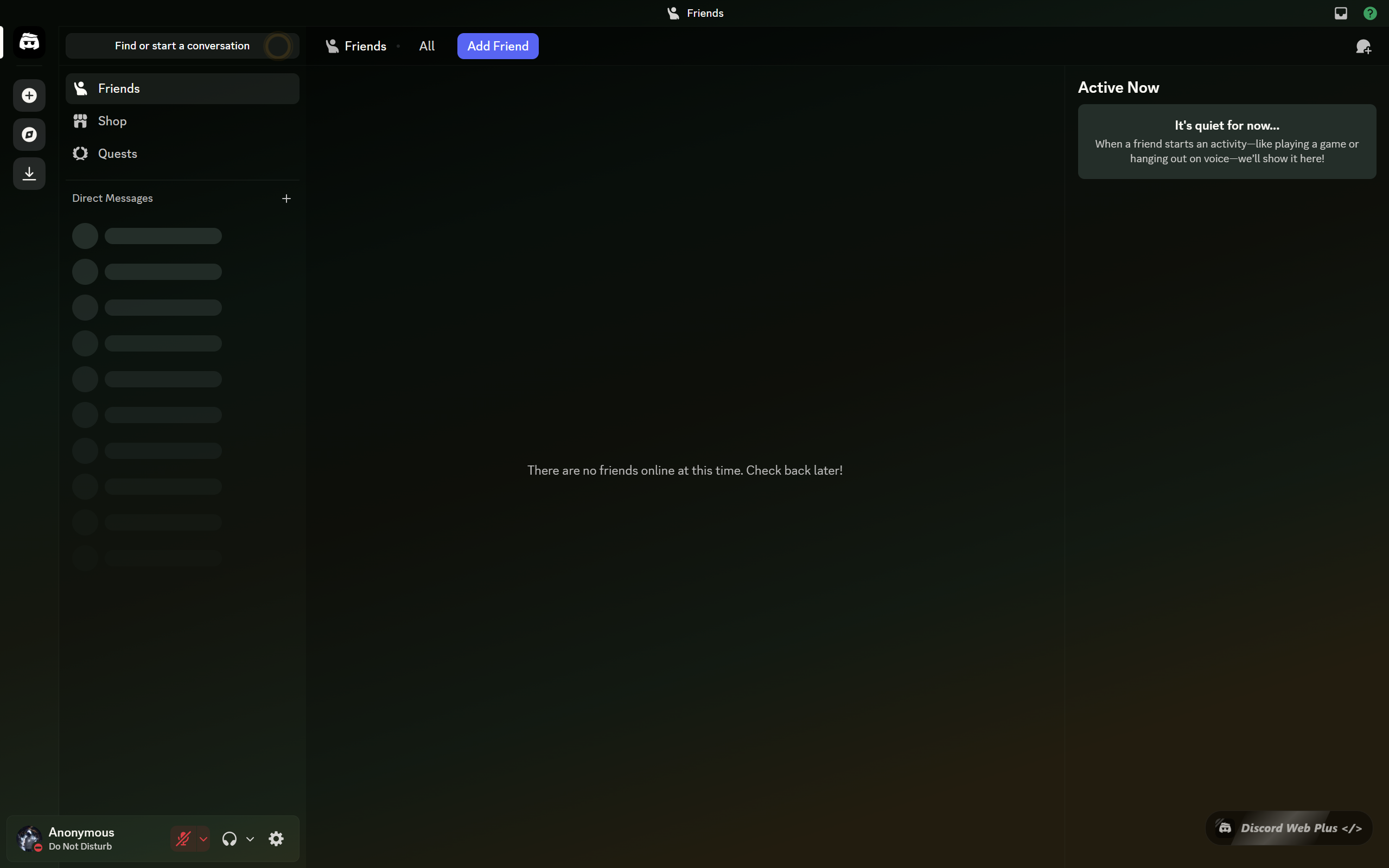
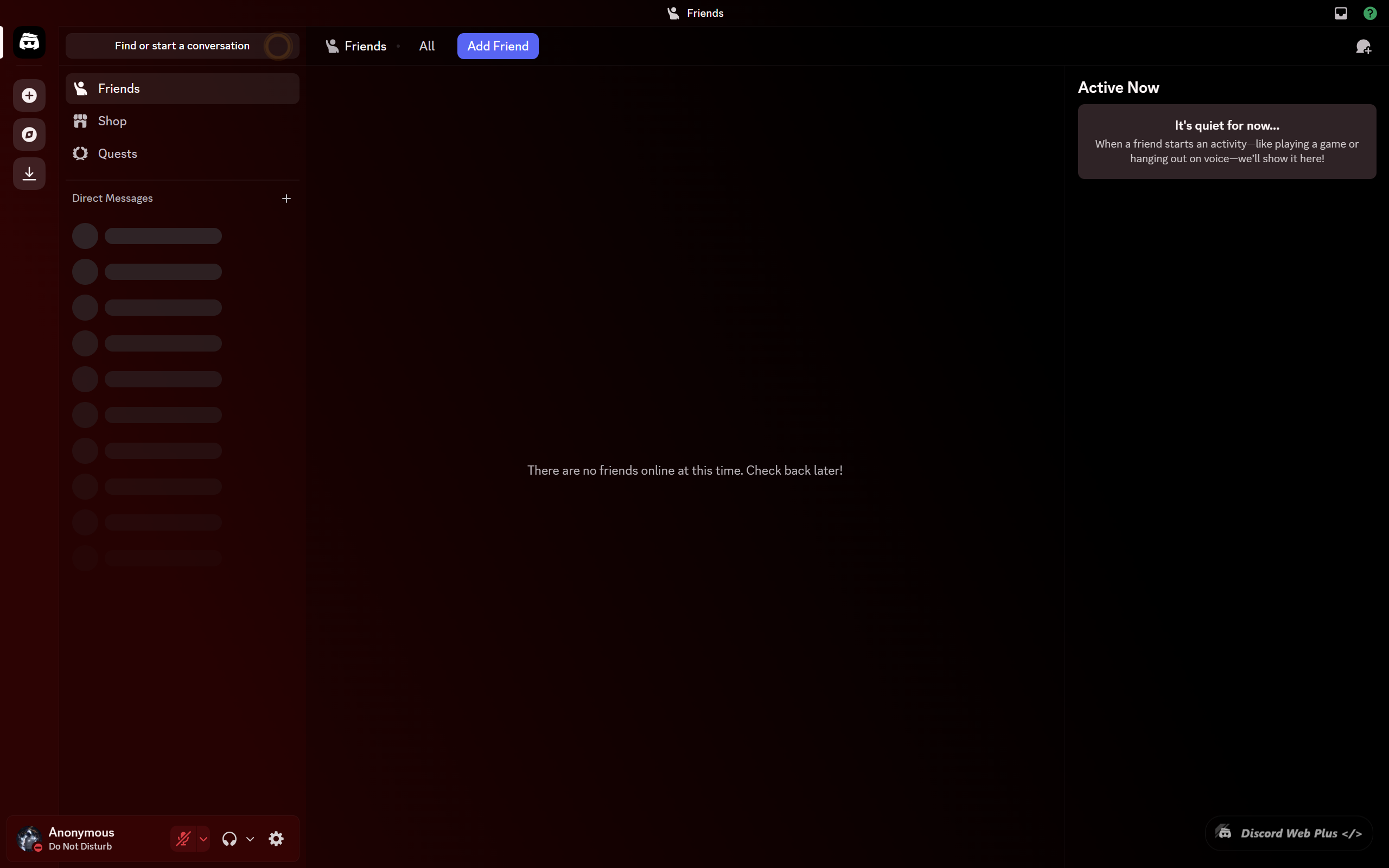
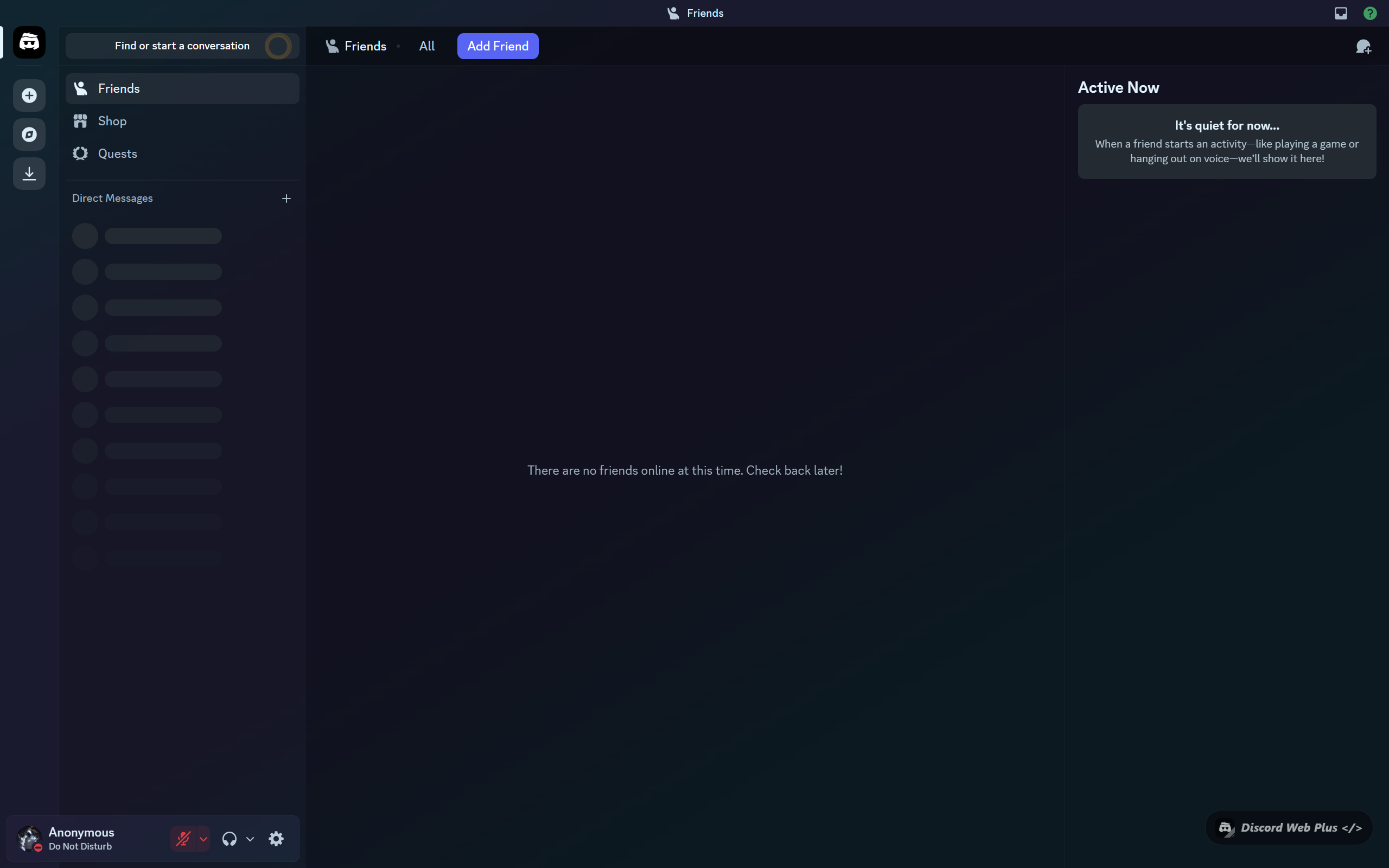
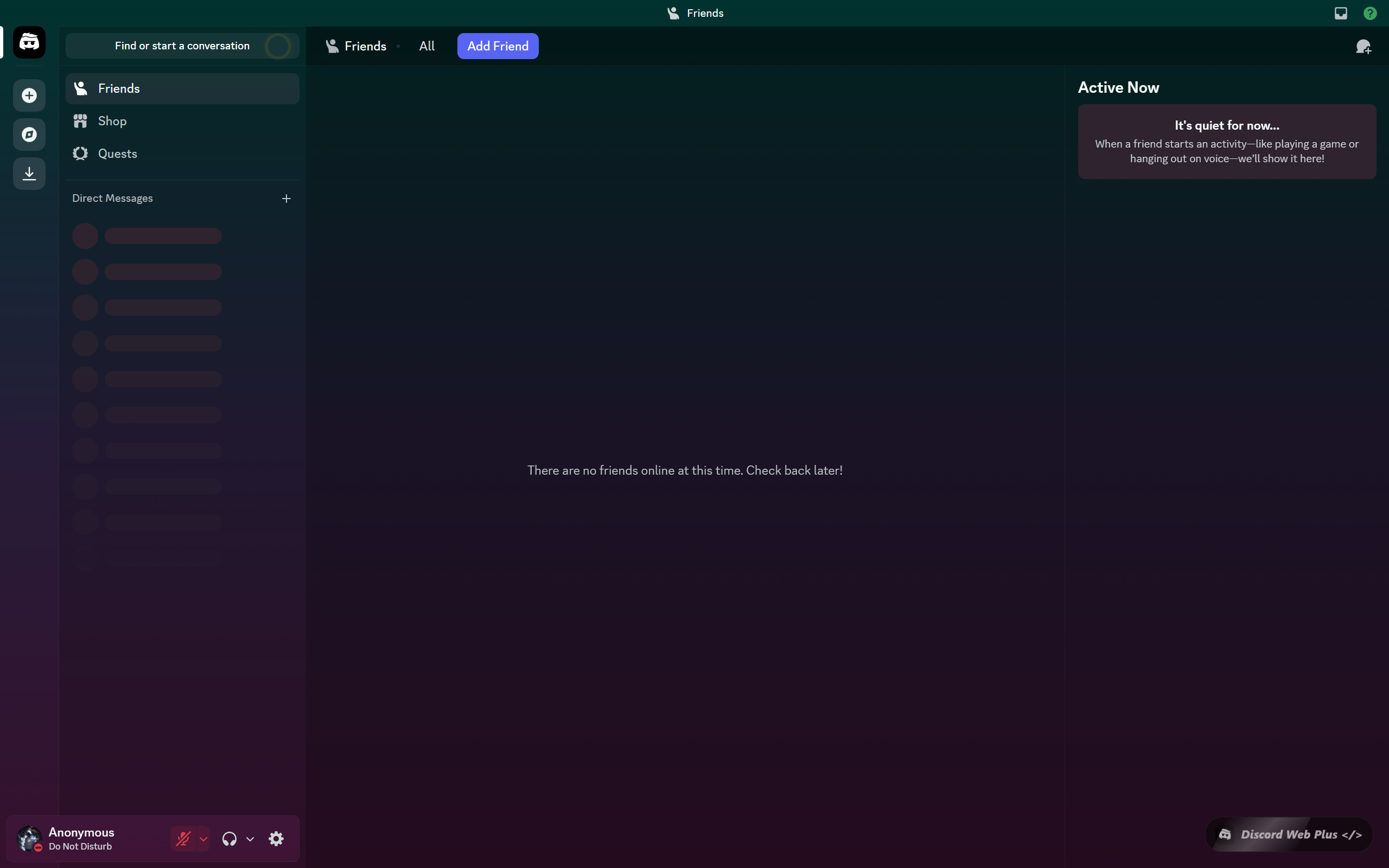
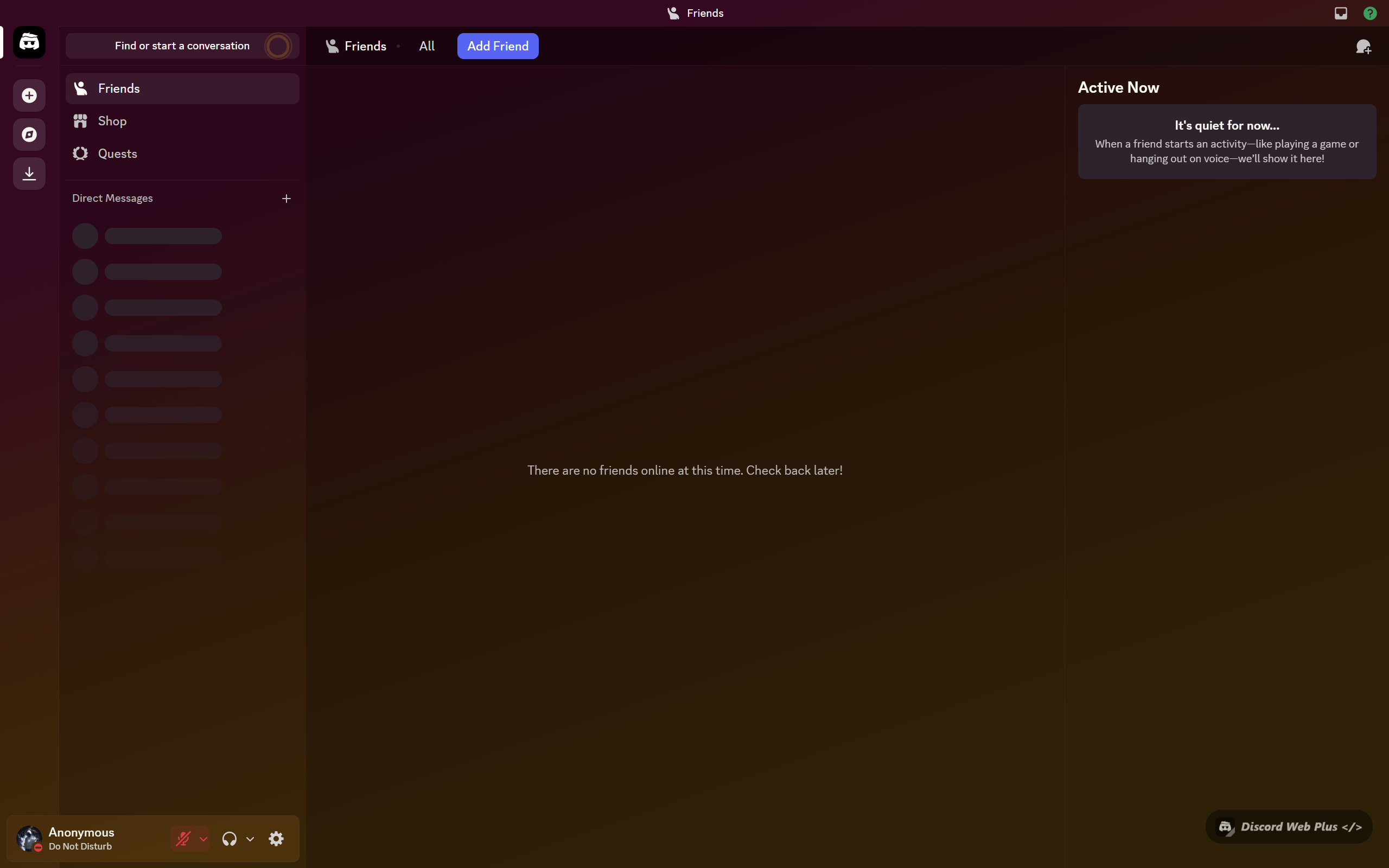
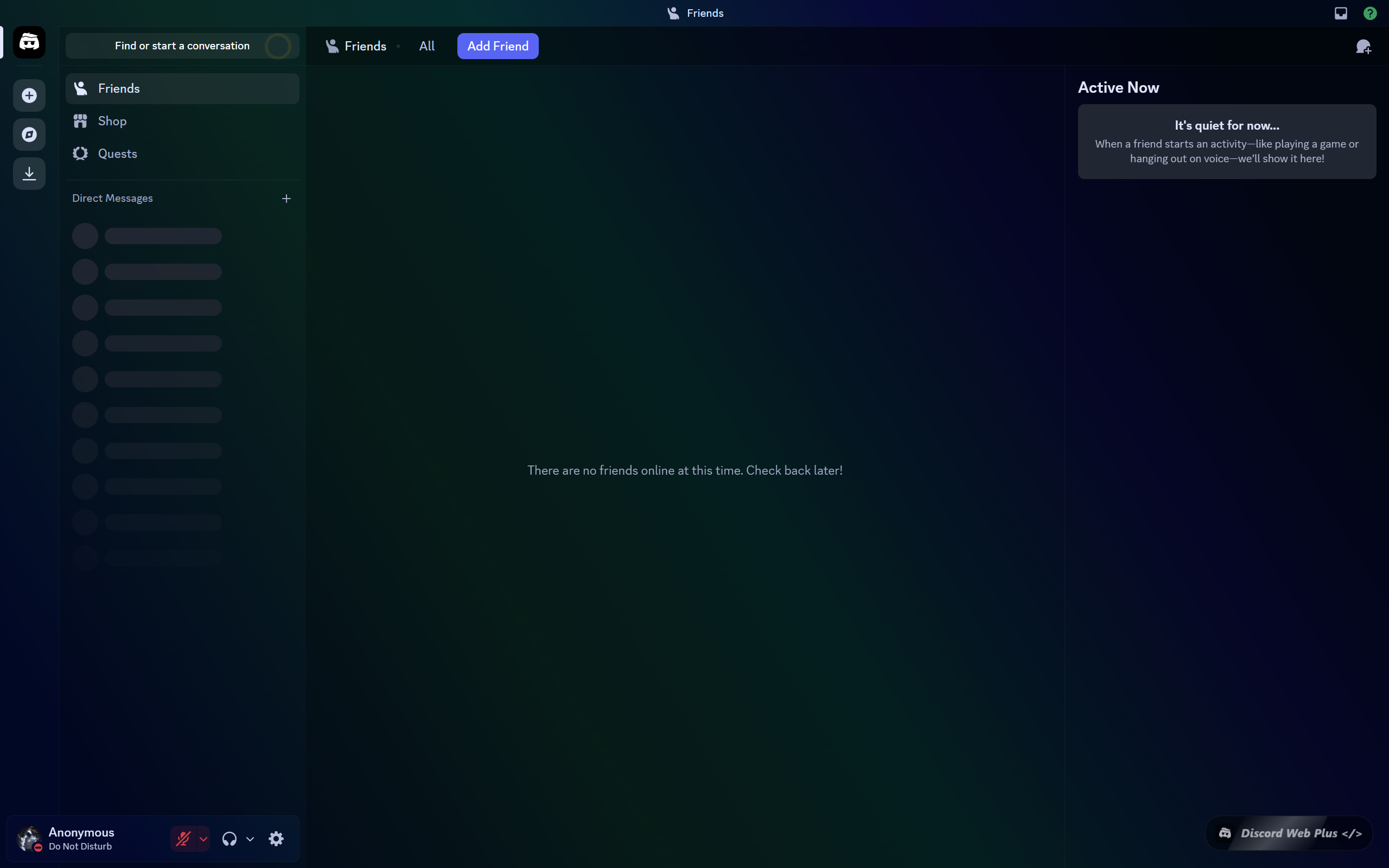
Discord Web Plus – Previews

Custom Background Theme
Custom Background Theme – Preset
Custom Background Theme
Custom Background Theme – Preset
Custom Background Theme
Custom Background Theme – Preset
Getting started

Up and running in seconds

Install the extension and start customizing — no account, no login, no setup required.

01
Install the extension
Add Discord Web Plus from the Chrome Web Store with a single click. Works on Chrome, Edge, Brave, and any Chromium-based browser.
02
Open Discord Web
Navigate to discord.com in your browser. The extension activates automatically — no configuration needed to get started.
03
Pick a theme or build your own
Click the extension icon and choose from Nitro presets or open the custom theme builder to design your perfect Discord look.
04
Fine-tune everything
Adjust glassmorphism intensity, panel transparency, icon packs, and background images through the advanced controls panel.
No Nitro needed

Nitro themes — unlocked for free

Get the look of Discord Nitro's premium themes without the subscription. Discord Web Plus includes built-in presets for all major Nitro aesthetics.

Mint Apple
Fresh green tones
Citrus Sherbert
Warm citrus glow
Retro Raincloud
Cool steel blues
Hanami
Cherry blossom pink
Sunrise
Golden morning light
Cotton Candy
Soft pastel dream
LoFi Vibes
Chill dark tones
Desert Khaki
Warm sandy earth
Sunset
Warm dusk hues
Chroma Glow
Vivid neon burst
Forest
Deep woodland green
Crimson Moon
Dark red night
Midnight Blurple
Classic Discord dark
Mars
Rusty red planet
Dusk
Purple evening sky
Under the Sea
Deep ocean blue
Retro Storm
Electric indigo
Neon Nights
Cyberpunk green
Strawberry Lemonade
Bright & fruity
Aurora
Northern lights
Blurple Twilight
Soft blurple night
Signature feature

Glassmorphism
UI Controls

Take Discord's panel transparency to a new level. Discord Web Plus lets you independently control the opacity and blur intensity of every Discord panel — channels list, members sidebar, and the main chat area.

Combine with a custom background image and your preferred Nitro theme to create a truly unique, frosted-glass Discord aesthetic.

Overlay Tinted
Opacity slider
Per-panel control
Real-time preview
Discord Web Plus — Panel Controls
Sidebar blur
60%
Chat opacity
45%
Channel blur
75%
Members panel
30%
Background
🖼️
For developers

Built by x1337 HQ

Discord Web Plus is a private, free extension. Report issues or reach out through GitHub or Discord. Built with vanilla JS and Manifest V3.

GitHub
GitHub Repository
Bug reports, feedback, and release announcements. This is a private project — source code is not publicly available.
Discord
Discord Support Server
Get help, report bugs, share your theme setups, and discuss upcoming features with the developer and the community.
⚙️
Built with Manifest V3
Discord Web Plus is built on Chrome's Manifest V3 extension platform — the modern, secure extension architecture with minimal permissions. It only uses storage and discord.com host permission — nothing else.
// manifest.json { "manifest_version": 3, "name": "Discord Web Plus", "permissions": ["storage", "unlimitedStorage"], "host_permissions": ["https://discord.com/*"] }
Get in touch

Talk to the developer

Have questions, feedback, or want to report a bug? Reach out through any of these channels.